ULTIMATE Cheat Menu for Fear & Hunger 2: Termina
A downloadable mod
FOR THE LATEST UPDATES, PLEASE DOWNLOAD THE MOD FROM HERE!
Fear & Hunger Termina Cheat Menu! Version 2.3.1
A SUPER EASY TO USE cheat menu for Fear & Hunger Termina, that gives you full control over combat, exploration, survival, and progression. Whether you want to experiment with builds or enemies, skip tedious grinding, recover from a brutal run, or simply have fun breaking the game, this trainer has just about everything!! :D
The menu is clean, easy to use, and opens in-game with F10 by default. (or the "P" button for reliability)
—————————————————————————
Features
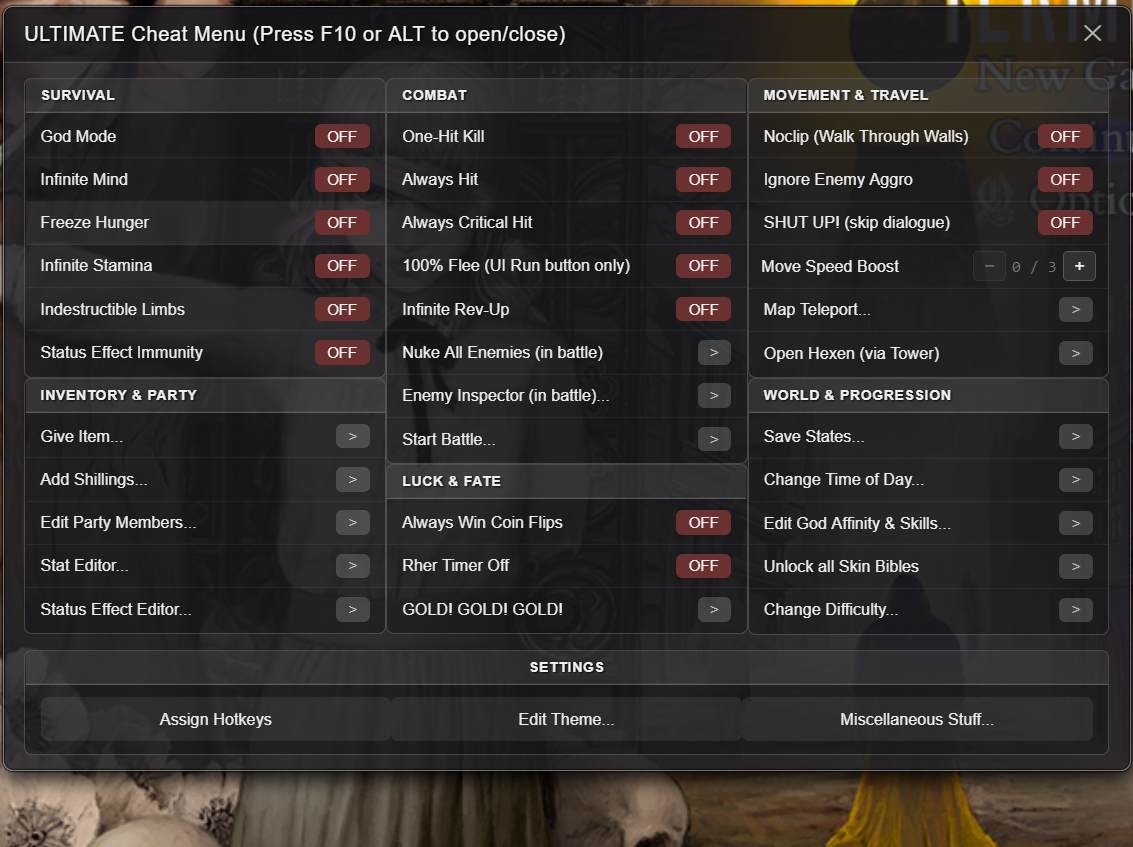
Survival
- God Mode
- Infinite Mind
- Freeze Hunger
- Infinite Stamina
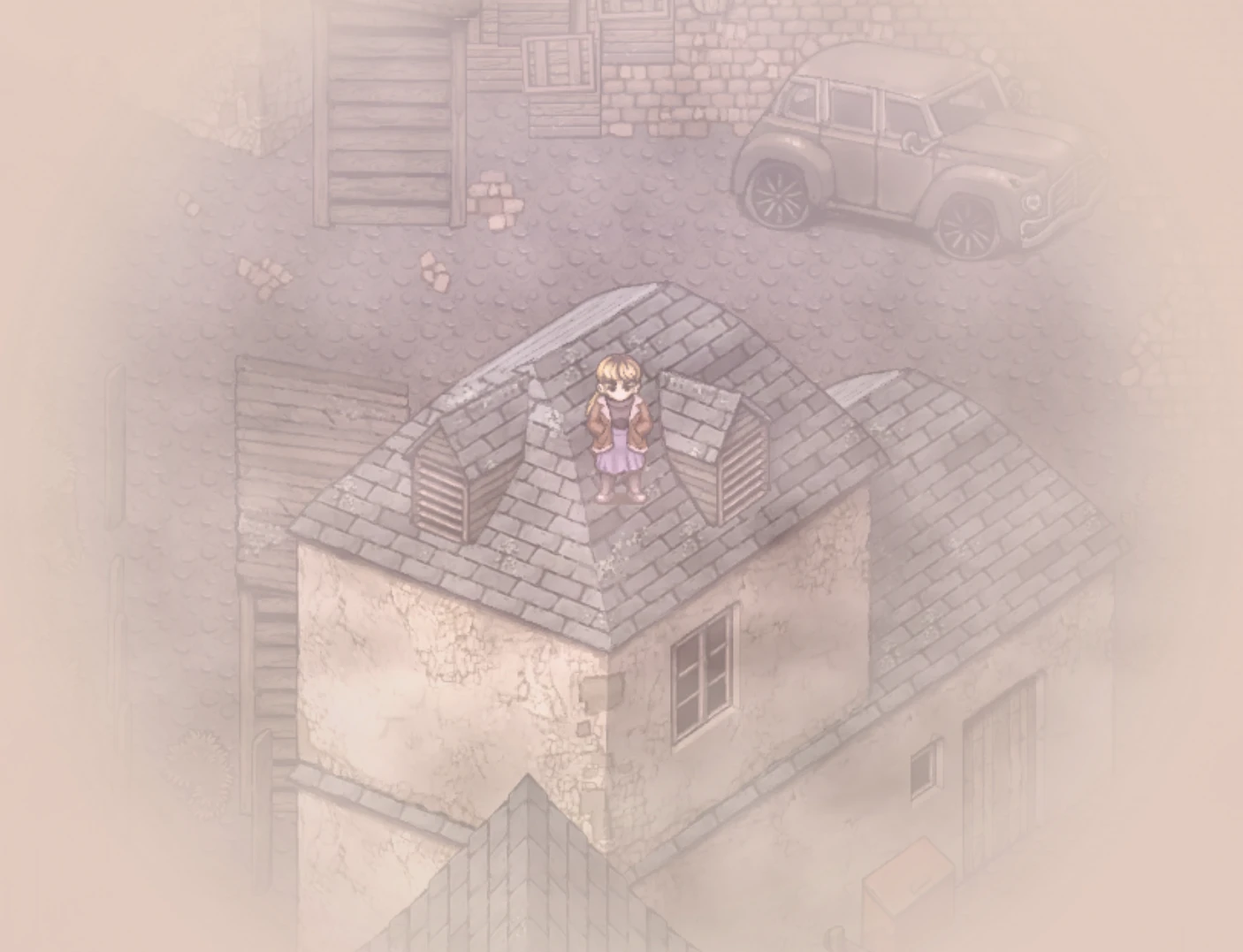
- Indestructible Limbs (can also repair them, including broken legs after you fall from the church roof)
- Status Effect Immunity (can also remove them)
Combat
- One-Hit Kill
- Always Hit
- Always Critical Hit
- 100% Flee (UI Run only, the Run skill doesn't work)
- Infinite Rev-Up
- Nuke All Enemies (battle only)
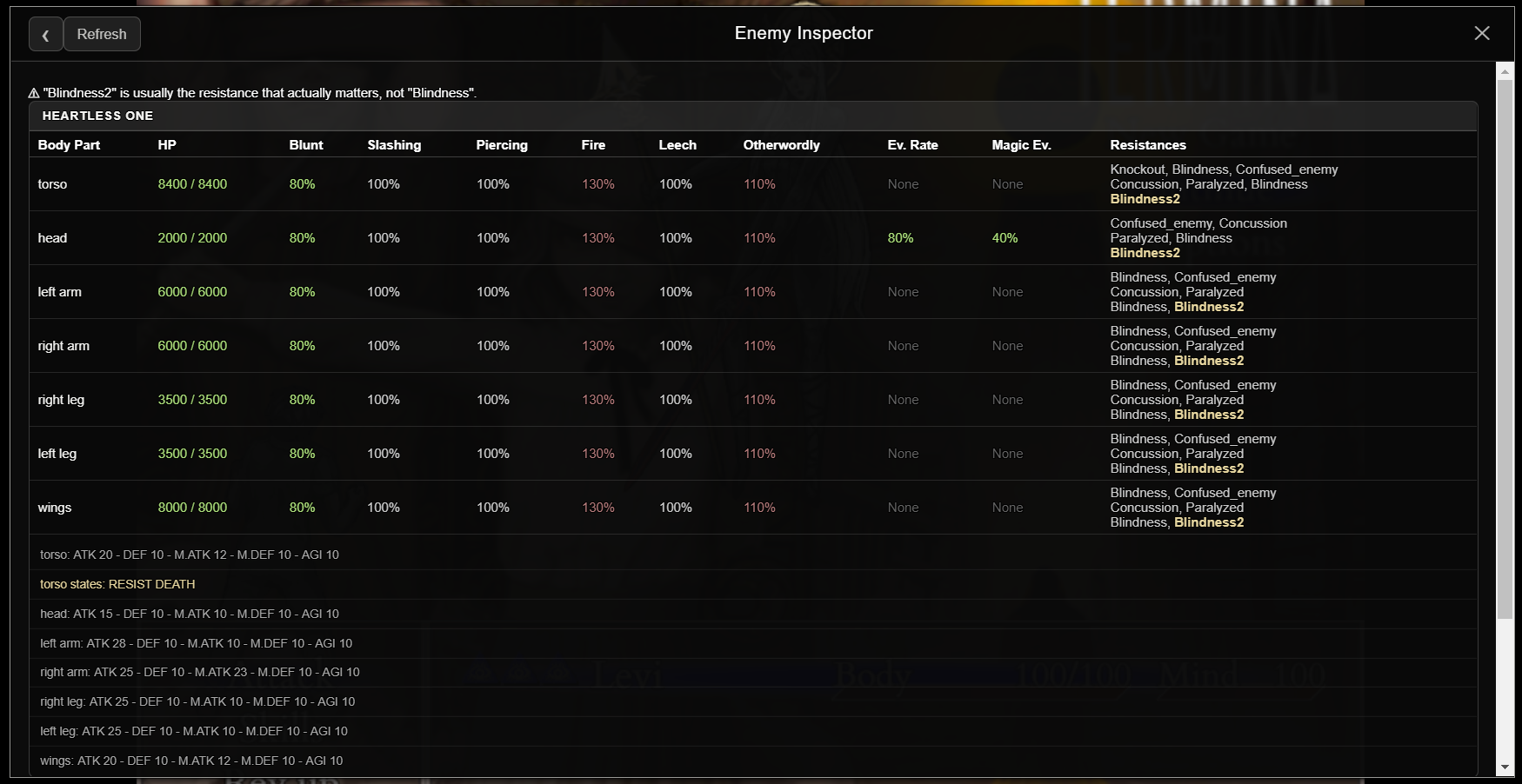
- Enemy Inspector (battle only, see every enemy's HP, stats, active statuses, weaknesses and resistances ↳ Enemy Lab (Change an enemy's stats live, in battle)
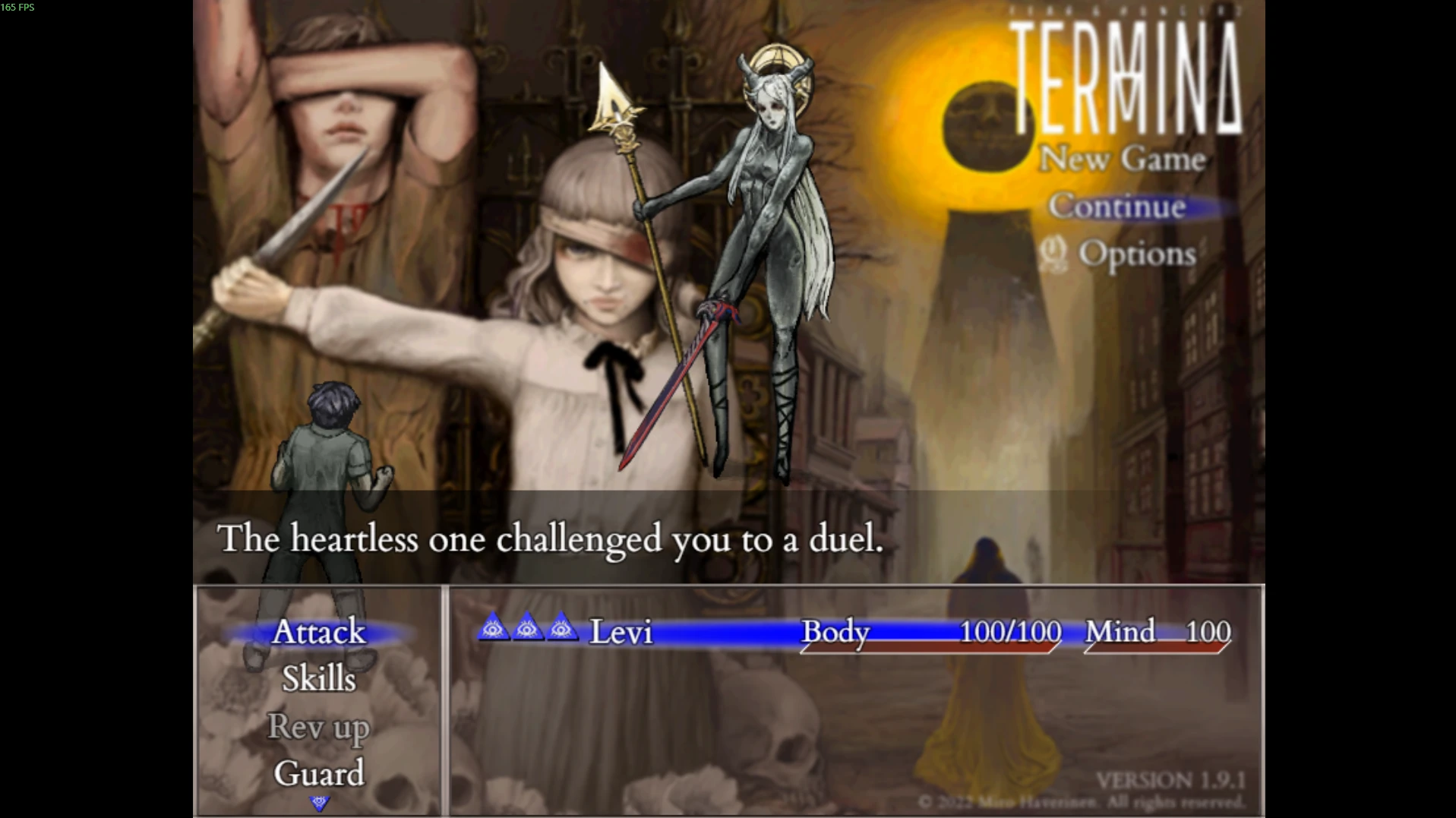
- Start Any Battle (Fight any enemy in the game at any point, even in the main menu)
Inventory & Party
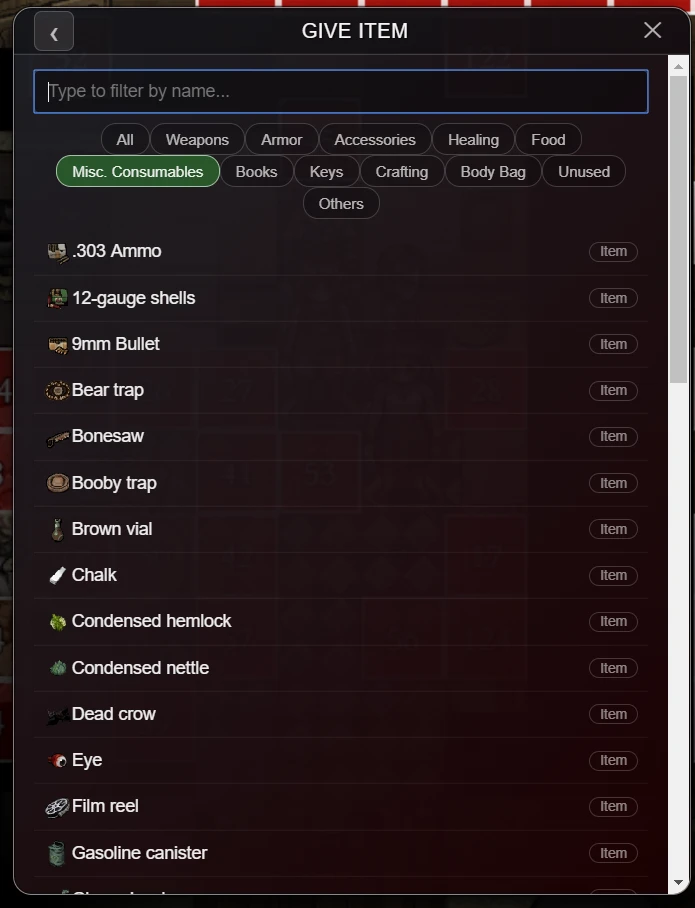
- Spawn any item
- Add Shillings
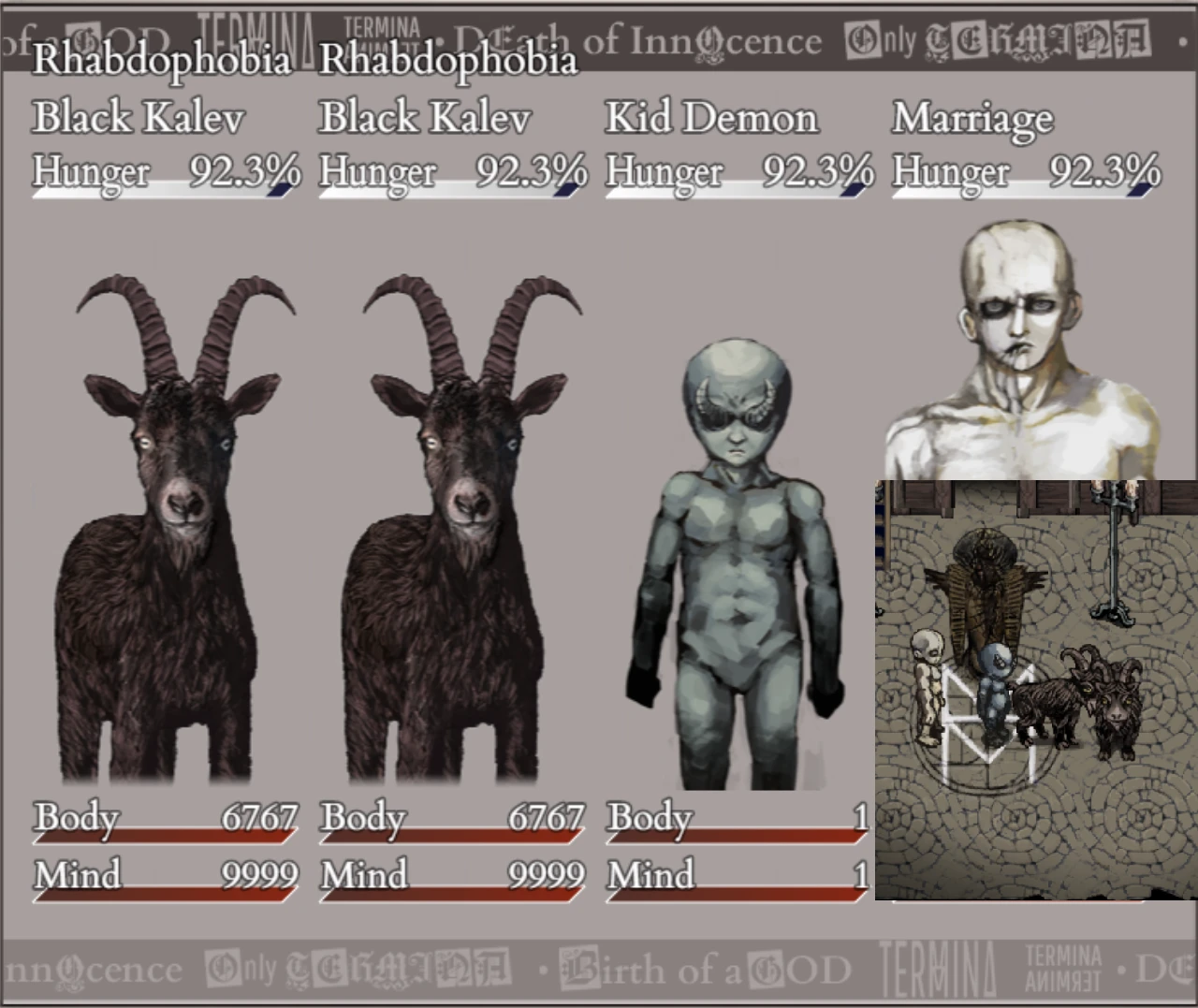
- Edit party members (Add anyone or remove them, you can even change your main character while playing, add duplicates of the same character, or add some extra stuff that's not even in the actual game!)
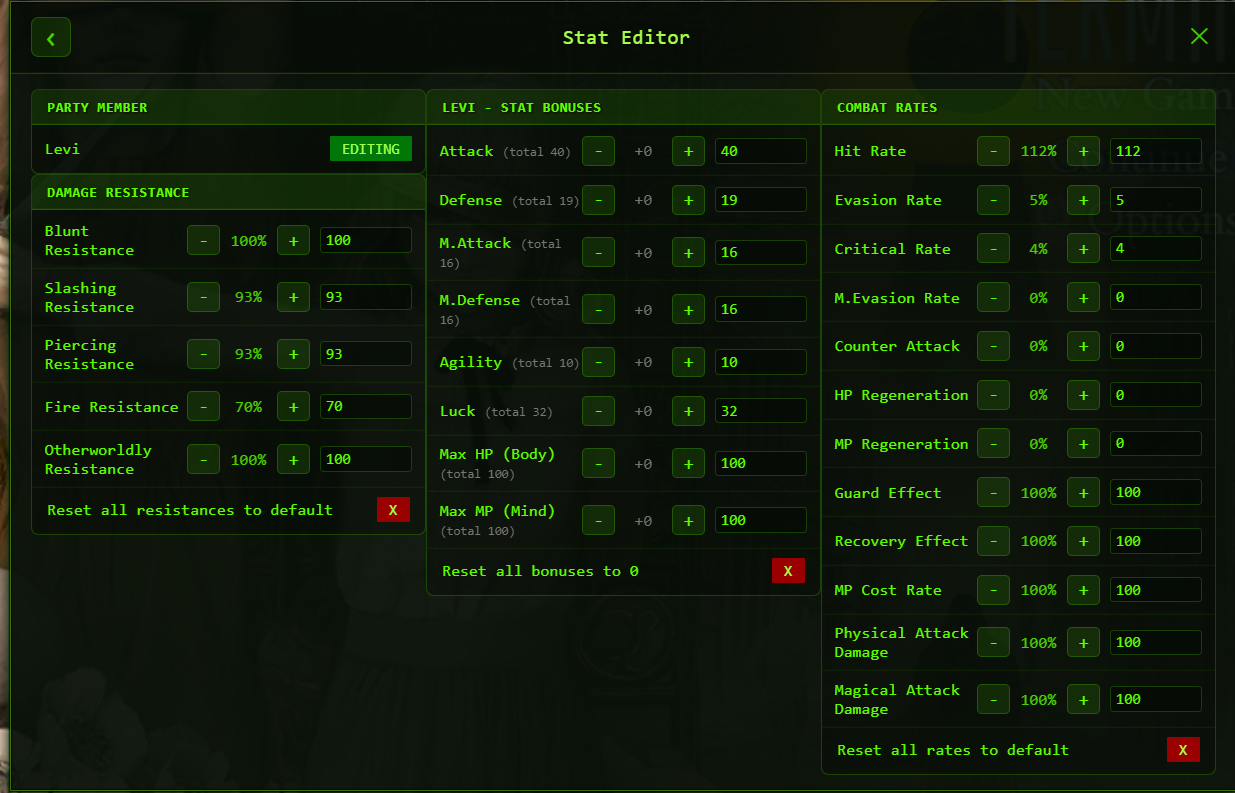
- Stat Editor (Edit Attack, Defense, Agility etc. for any party member)
- Status Effect Editor (apply any status effect to your party or the enemy)
Movement & Travel
- Noclip (walk through walls)
- Ignore enemy aggro
- Adjustable movement speed
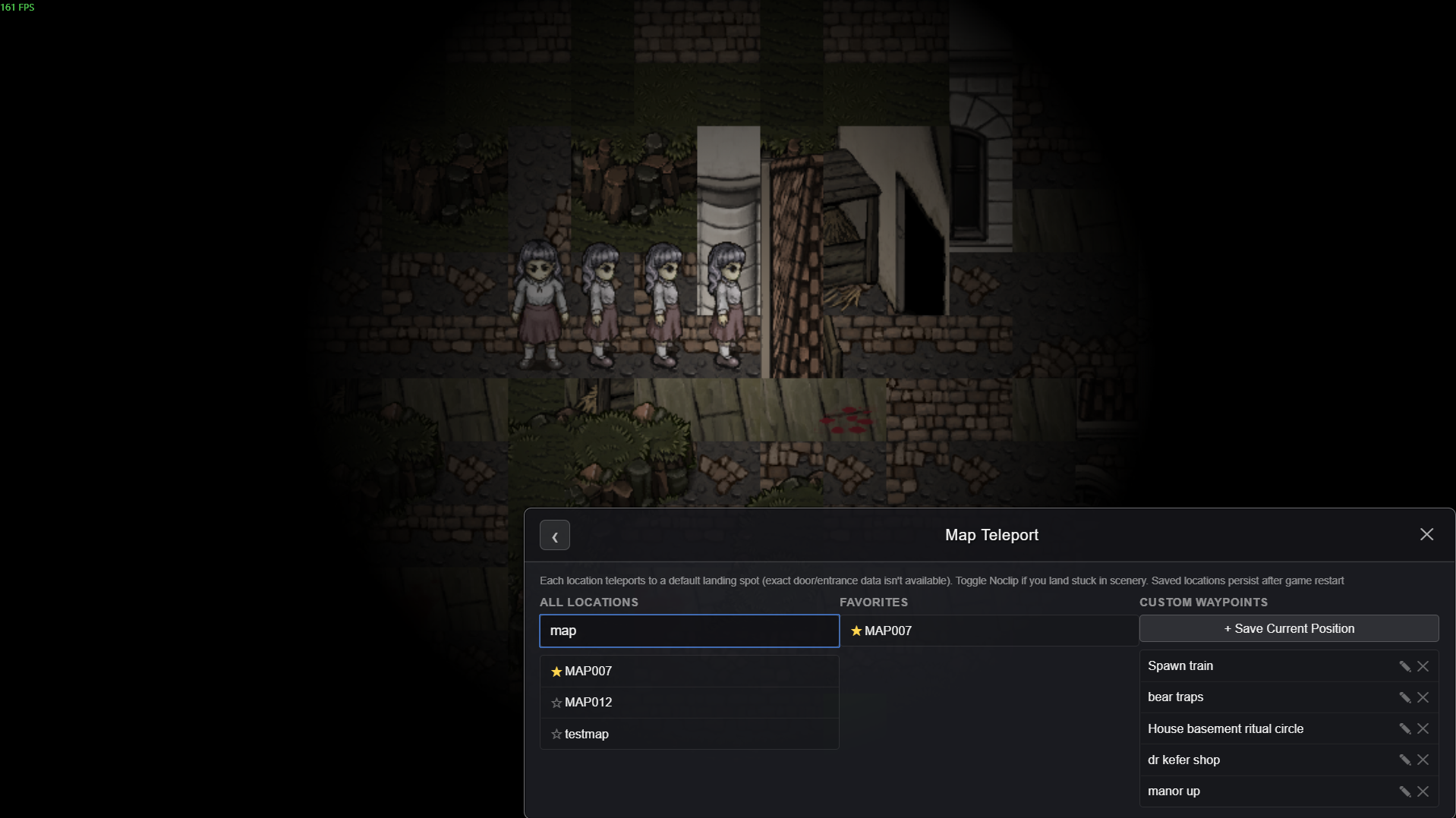
- Map teleport (All map locations included, YOU CAN ALSO SET YOUR OWN TELEPORTATION POINTS ANYWHERE, THEY REMAIN SAVED EVEN AFTER YOU RESTART THE GAME)
- Open Hexen (Sends you to perkele, then back to your last point)
- Shut up! (skip dialogue) - Toggle this to automatically skip all dialogue
Luck & Fate
- Always win coin flips
- Disable Rher timer
- GOLD! GOLD! GOLD! (#ohnepixel)
World & Progression
- Change time AND day (Morning, Evening, Dusk, Day1, Day2, Day3)
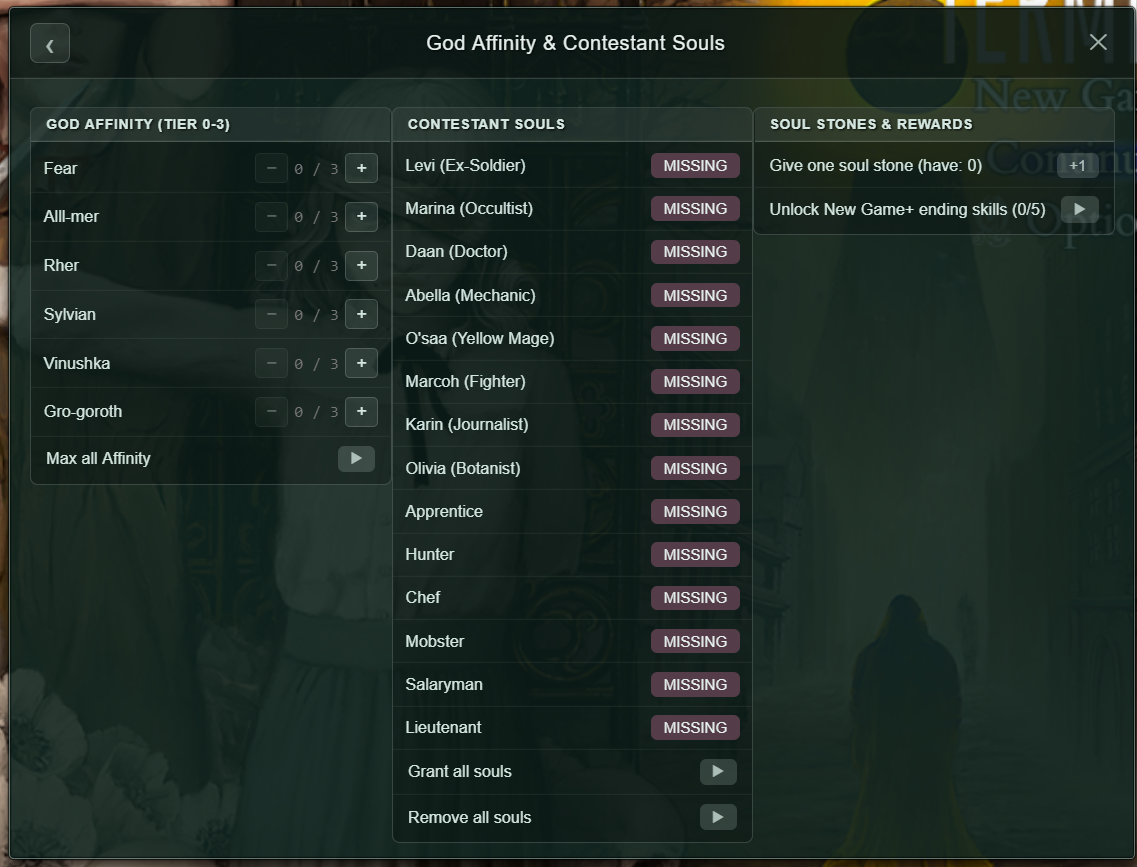
- Edit God Affinity & Skills (Add any skill you want, even New game+ skills)
- Unlock all Skin Bibles
- Change Difficulty: Easy/Normal/Maso
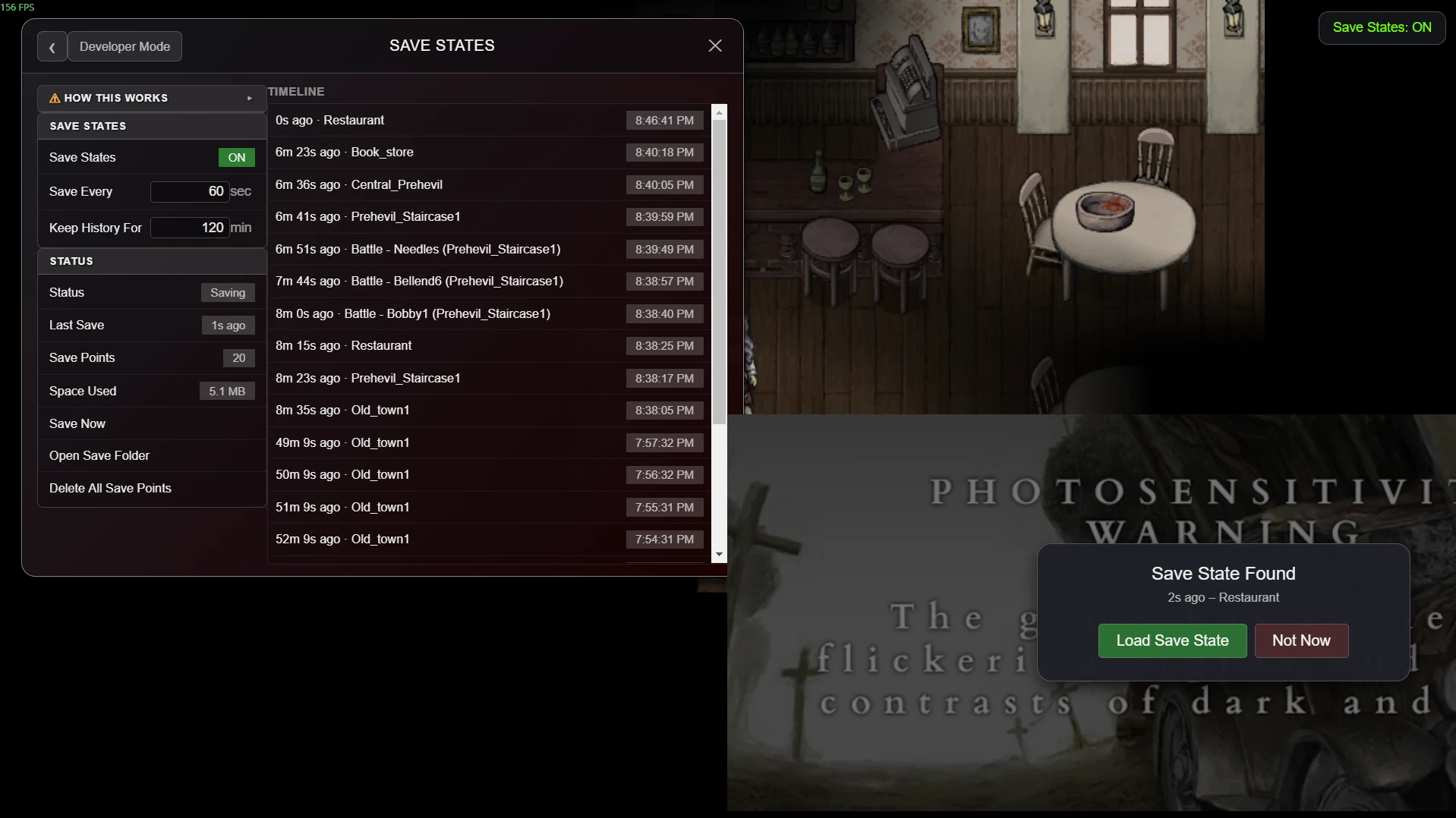
- Save States: Saves your progress at any point and for as long as you want. Scroll through the timeline and travel back in time to any moment, even in the middle of a battle! Alt-f4 out of the game care free! :D
Settings
- Assign hotkeys (you can set a hotkey to anything for convenience)
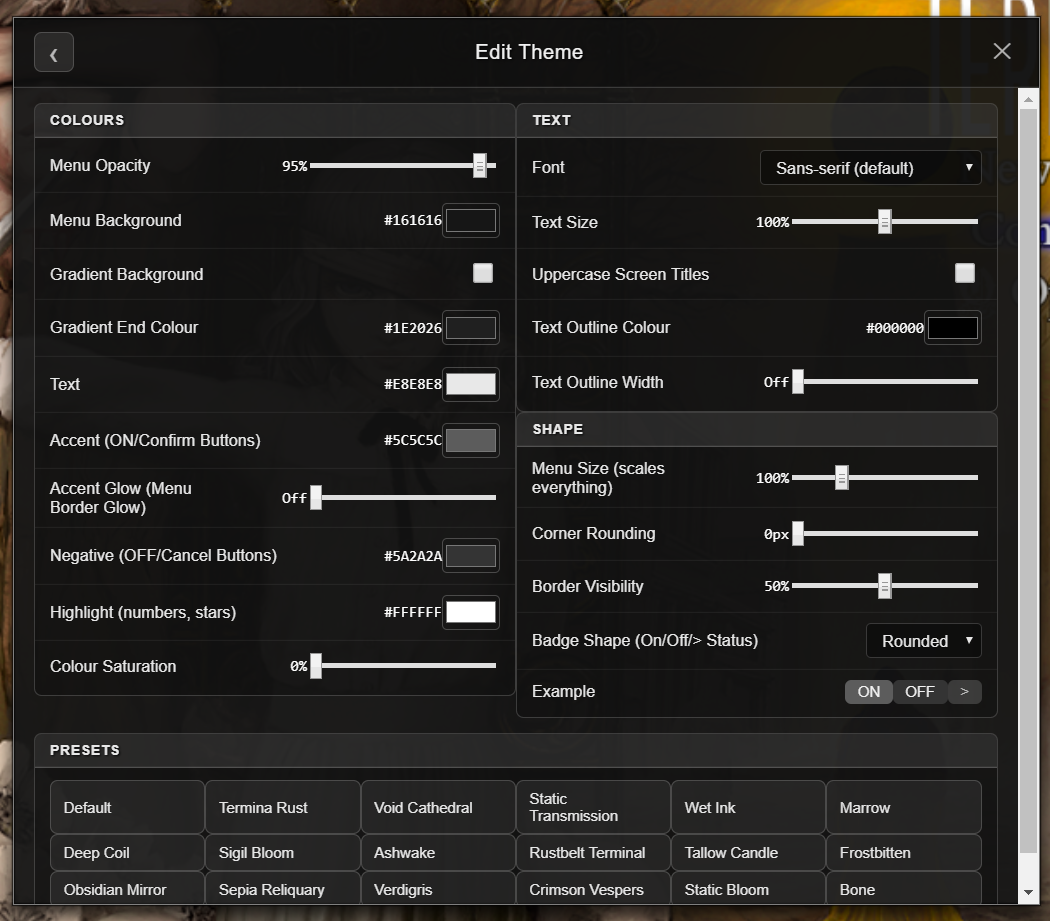
- Theme menu (change the theme however you want it to look like)
- Misc Menu
Misc Menu
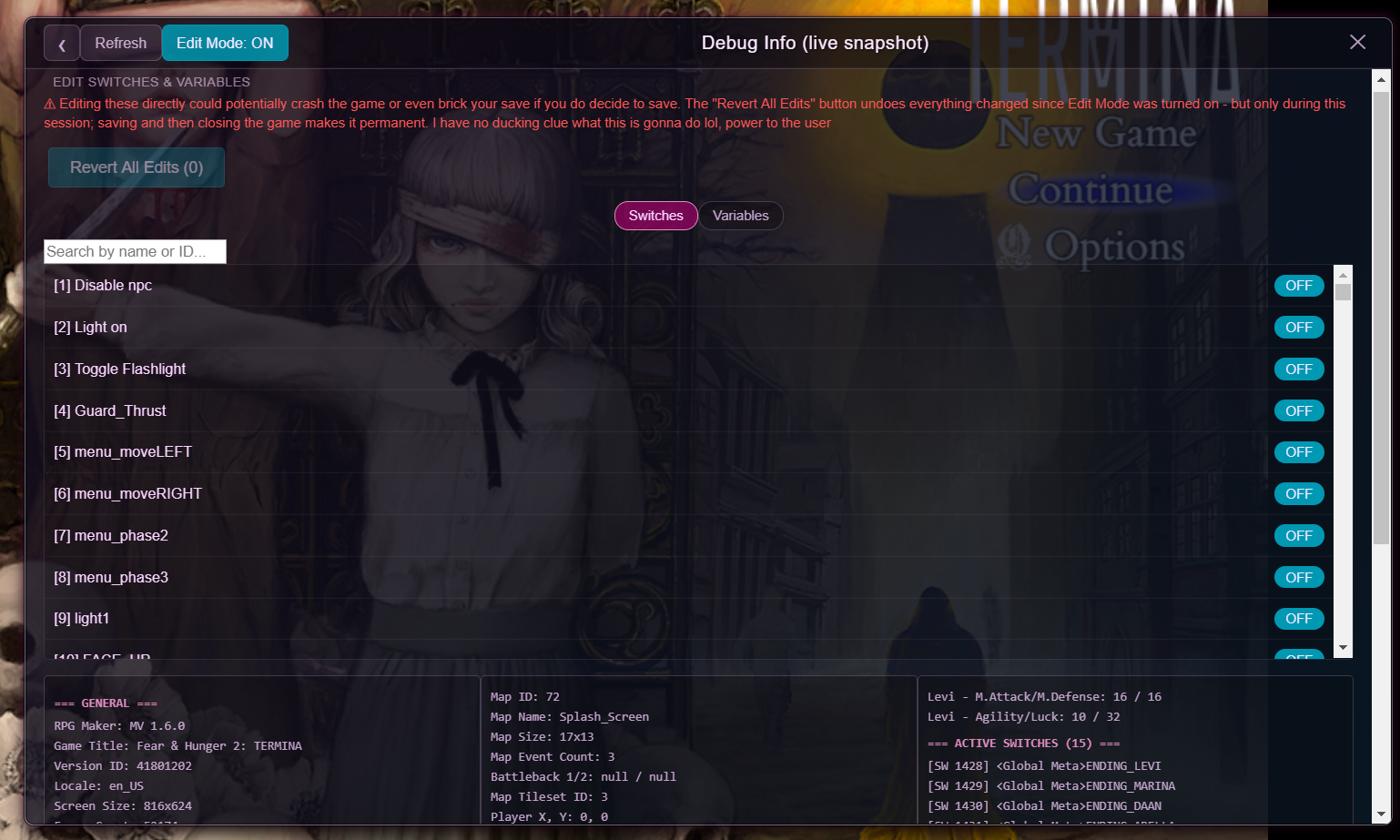
- Debug list (Shows "all" the game variables, allows you to edit any random values you feel like)
- Spawn Enemy NPCs on Map
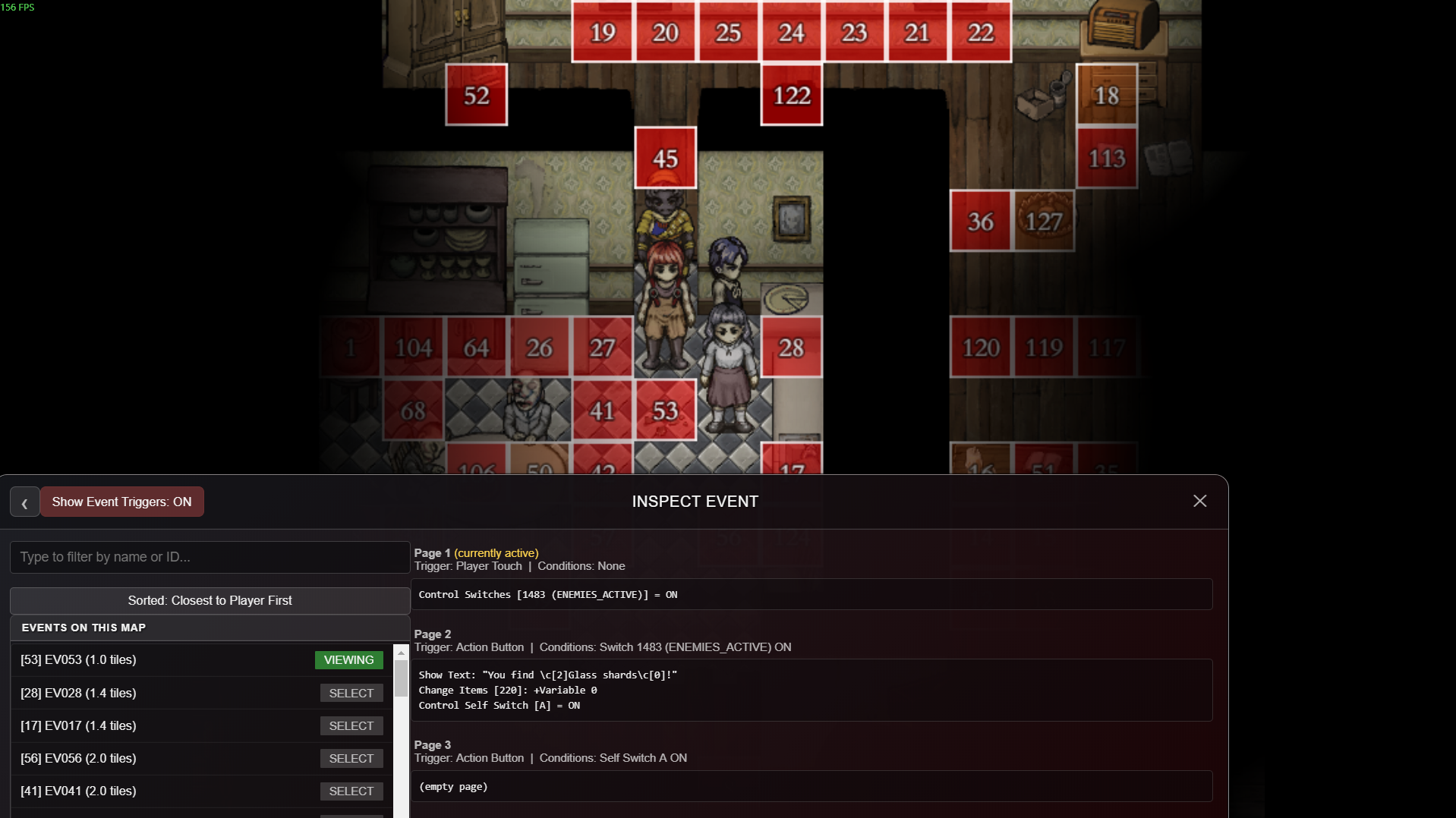
- Inspect Map Events: full event/script viewer ↳ Show Map Triggers: marks all events on the map
- No Fog/Visual effects
- Zoom in/out
Check out my other version of the ULTIMATE Cheat Menu mod, made for the First Fear and Hunger Game!
Notes
- Works as of before the big Termina update (that's never coming) - Game version 1.9.1 BUT the mod should still work perfectly fine even after it. Item/map lists haven't been baked into the mod, it reads them directly from the game's files, so any new item/map should automatically appear once the update does come.
- If you encounter any bugs or have a good suggestion, please leave a comment about it or submit a bug report
- For anything else, reach out at My steam account
Download
Install instructions
Click here for the YouTube Tutorial
- Open the installation directory (game folder) of Fear and Hunger 2: Termina
- Inside the installation directory, go to the www/js/plugins directory.
- Download the mod and then place the "FH_Termina_Trainer.js" file inside the "plugins" folder
- Navigate one directory up to the www/js directory.
- Open the file "plugins.js" in your text editor of choice (eg: Notepad, VS Code)
- Scroll down to the end of the file
- Insert the following line of code after the last closing curly brace " } " and before the final closing square bracket " ]; " :
,
{"name":"FH_Termina_Trainer","status":true,"description":"","parameters":{}}
- (Assuming you didn't install other mods), the end of the file should now look like this:
{"name":"Olivia_AntiPlayerStress","status":true,"descri.................... "Proper Error Display":"true"}}
,
{"name":"FH_Termina_Trainer","status":true,"description":"","parameters":{}}
];
- Save the file, and you good to go :)
- IF you installed the mod successfully, the game should greet you with a "Mod Installed Successfully" popup
Leave a comment
Log in with itch.io to leave a comment.